Installation

Install MotiveWave & EdgeProX

Fresh install or updating to the latest version — everything you need to get ScalperIQ running on MotiveWave or EdgeProX.

Installation

Currently, ScalperIQ is available for MotiveWave 6 & 7, EdgeProX, and NinjaTrader 8. Before installing, reduce linear/non-linear bars and loaded days for stability.

  1. Access portal and sign in
  2. Download license file and the ScalperIQ .jar file
  3. Place both files in the Extensions folder
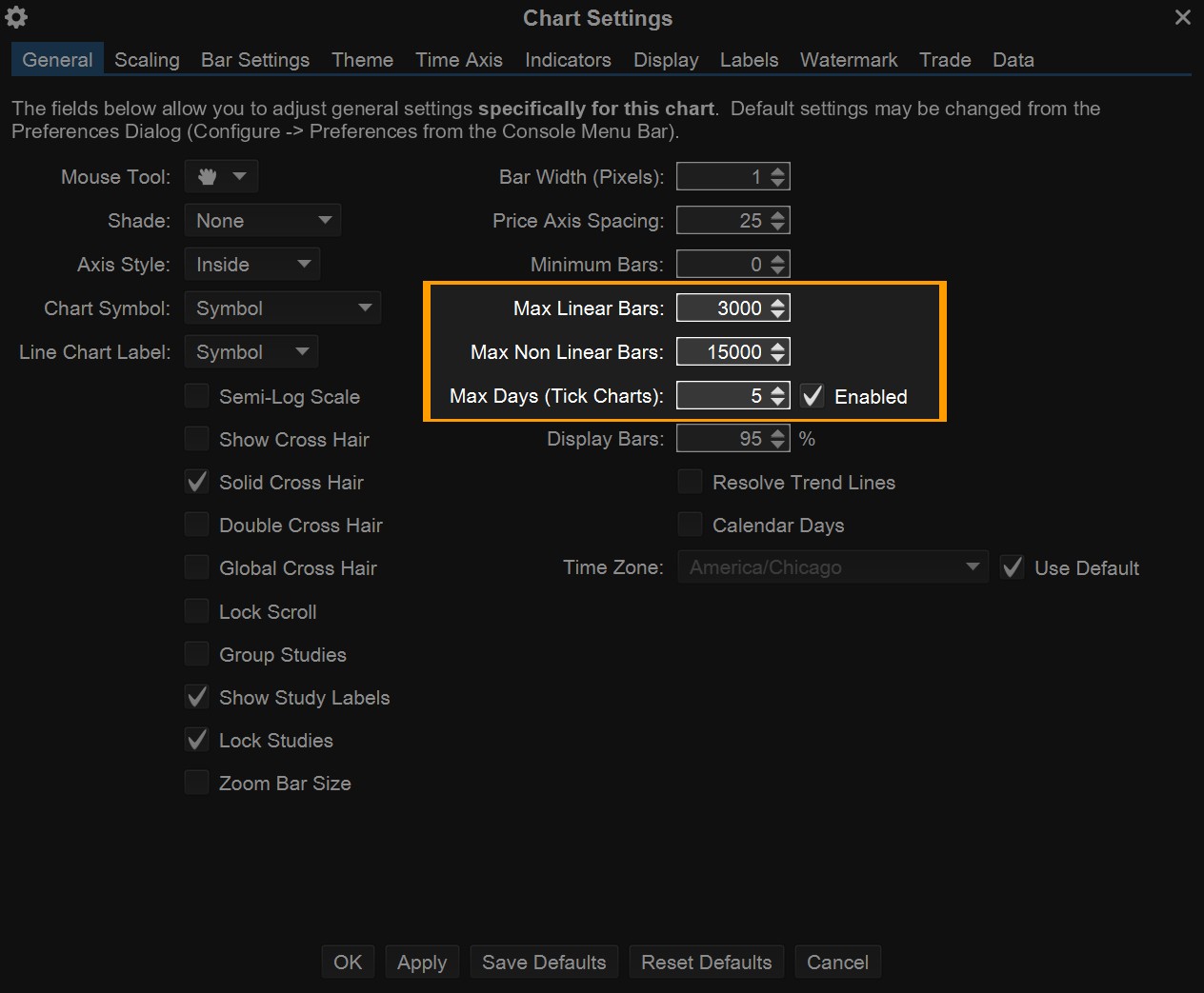
Chart settings — reduce bar count for stability

Installing on Windows

  1. Close MotiveWave or EdgeProX
  2. Locate downloaded files in Downloads folder
  3. Copy both files
  4. Navigate to: C:\Users\[Your Username]\MotiveWave Extensions
  5. Paste files
  6. Restart platform

Installing on macOS

  1. Close MotiveWave or EdgeProX
  2. Open Finder and navigate to Downloads
  3. Copy both files
  4. Navigate to: Users → [Your Username] → MotiveWave Extensions
  5. Paste files
  6. Restart platform
macOS installation — MotiveWave Extensions folder

Updating to New Version Windows

  1. Close MotiveWave or EdgeProX
  2. Navigate to Extensions folder: C:\Users\[Your Username]\MotiveWave Extensions
  3. Locate the previous .jar file for ScalperIQ and delete it
  4. Download new version from portal
  5. Place in Extensions folder
  6. Restart platform
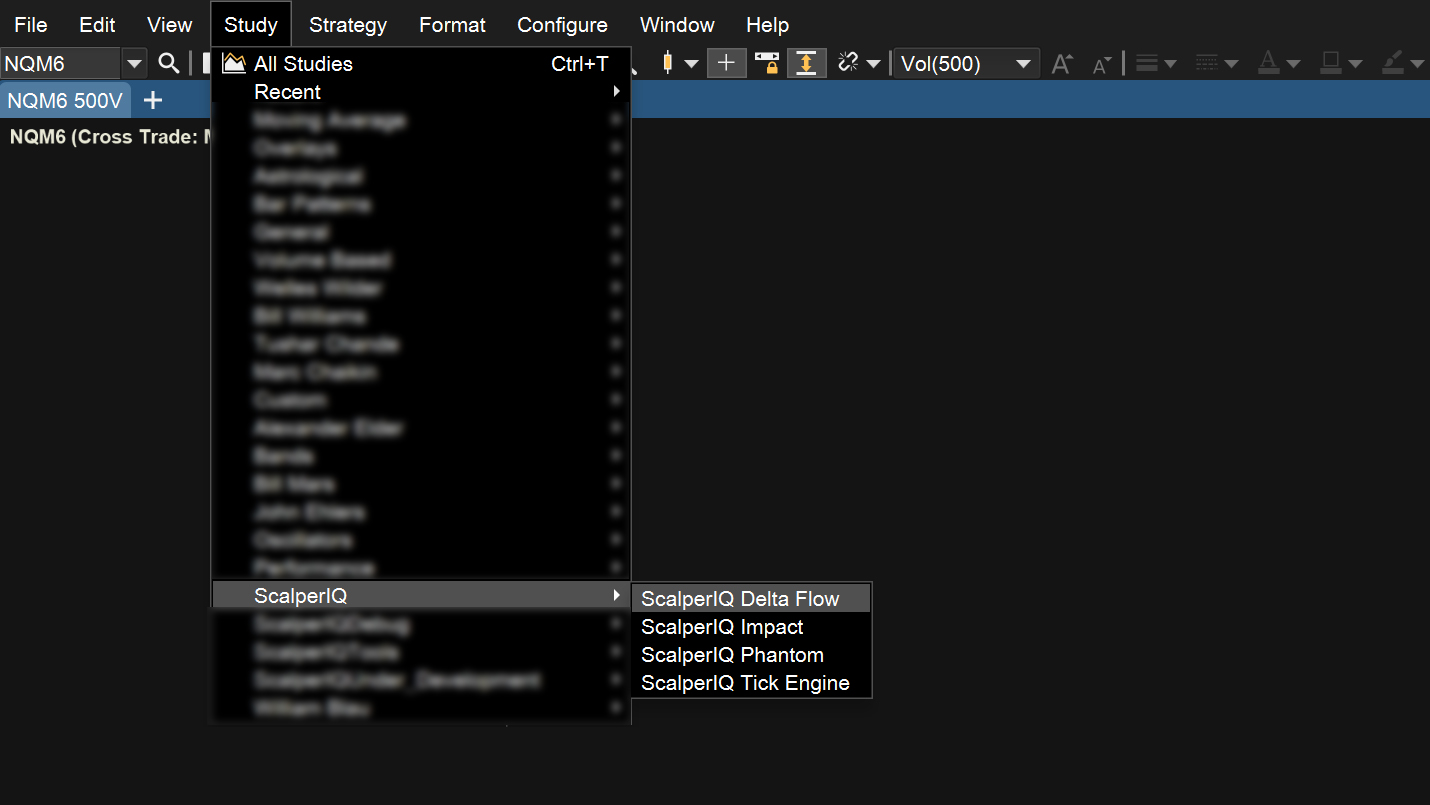
  7. Add new version to chart

Updating to New Version macOS

  1. Close MotiveWave or EdgeProX
  2. In Finder, navigate to: Users → [Your Username] → MotiveWave Extensions
  3. Locate the previous .jar file for ScalperIQ and delete it
  4. Download new version from portal
  5. Place in Extensions folder
  6. Restart platform
  7. Add new version to chart